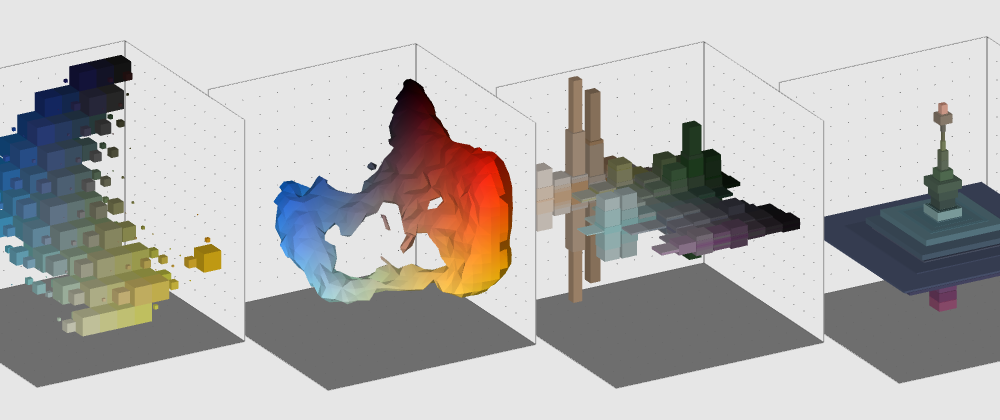
During the development of my Goggle DevArt project, I was going to dive into the beautiful world of APIs to dynamically get some images to do cool stuff with. The definition of API is very broad, but in our case (crazy people getting stuff into Processing to get even crazie stuff out) an API is a a set of methods that allows us (or our beutiful app) to communicate with a website and let us use its services. Using the Picasa APIs in Processing allows your application to get images from the online Picasa albums or Google + photos, which is based on the Picasa platform, which can be useful in order to get random pictures if you are doing some image processing based work.
Using the Picasa APIs in Processing issimpler than you'd expect, since Processing can run pure Java we can implement most of the methods described in the
Developer's Guide. Before we start, however, we need to install a few libraries the APIs are dependant on:
To install a .jar in Processing, simply drag the .jar to the sketch - it will be added to the "code" folder of the project - afterwards, just import the libraries in your sketch. Then, you are ready to start your Picasa service.
PicasawebService myService = new PicasawebService("leon-picasaTest-1");
try {
baseSearchUrl = new URL("https://picasaweb.google.com/data/feed/api/all");
}
catch (Exception e) {
println("Problem with the URL:" + e);
}
Query myQuery = new Query(baseSearchUrl);
A note here: Processing needs exception catching (telling it what to do in case of an error), or the code will not run. At this point, there are several ways to get the materials you want, whether you want to get the URL of a public image, an album, a particular tag. One is to change the URL you feed to the query, (like a GET request, for those familiars with it). There is some good reference about the feed codes
here and
here. Another way is to use change those parameters in the Query object, for example:
myQuery.setStringCustomParameter("kind", "photo");
  // max results to be returned
  myQuery.setMaxResults(8);
  // search parameters: in my case, "art"
  myQuery.setFullTextQuery("art");
The pictures are returned as PhotoEntry objects indide an array searchResultsFeed. We can easily go through them and get their URLs:
myQuery.setStringCustomParameter("kind", "photo");
try {
    searchResultsFeed = myService.query(myQuery, AlbumFeed.class);
  }
  catch (Exception e) {
    println("Problem with the AlbumFeed: " + e);
  }

  for (PhotoEntry photo : searchResultsFeed.getPhotoEntries()) {
    // get the data out of the pictures
    println("Title: " + photo.getTitle().getPlainText());
    println("URL: " + photo.getMediaThumbnails().get(0).getUrl());
}
The best thing about Picasa is that we can request the URL of an image for a particular size and aspect ratio, instead of doing the diry work ourself. A typical URL for a Picasa image looks like this:
https://lh4.googleusercontent.com/-8RYFTpzzwn4/UXCUe9tsSgI/AAAAAAAAo0M/eNLUAOorumc/s72/dinascrowcastle-2.JPG
Where "s720" is the part we want to look at: "s" means "size" and "72" refers to the size of the image in horizontal pixel - By default, images URLs are returned with this size. If we replace that with "s512", the image will be resize to a width of 512, keeping the aspect ration. Replacing it with "w512-h320" lets you change width and height separately, in this case we are resizing it to 512 pixels wide and 320 pixels high, while adding "-c" after it crops the image to a square format.
We can easily change this in Processing using string replacements, and we are left with an URL we can use to load a PImage object.
myQuery.setStringCustomParameter("kind", "photo");
String imageUrl = photo.getMediaThumbnails().get(0).getUrl();
    String croppedUrl = imageUrl.replace("s72", "s220-c");
    println(croppedUrl);
    PImage pic = loadImage(croppedUrl);